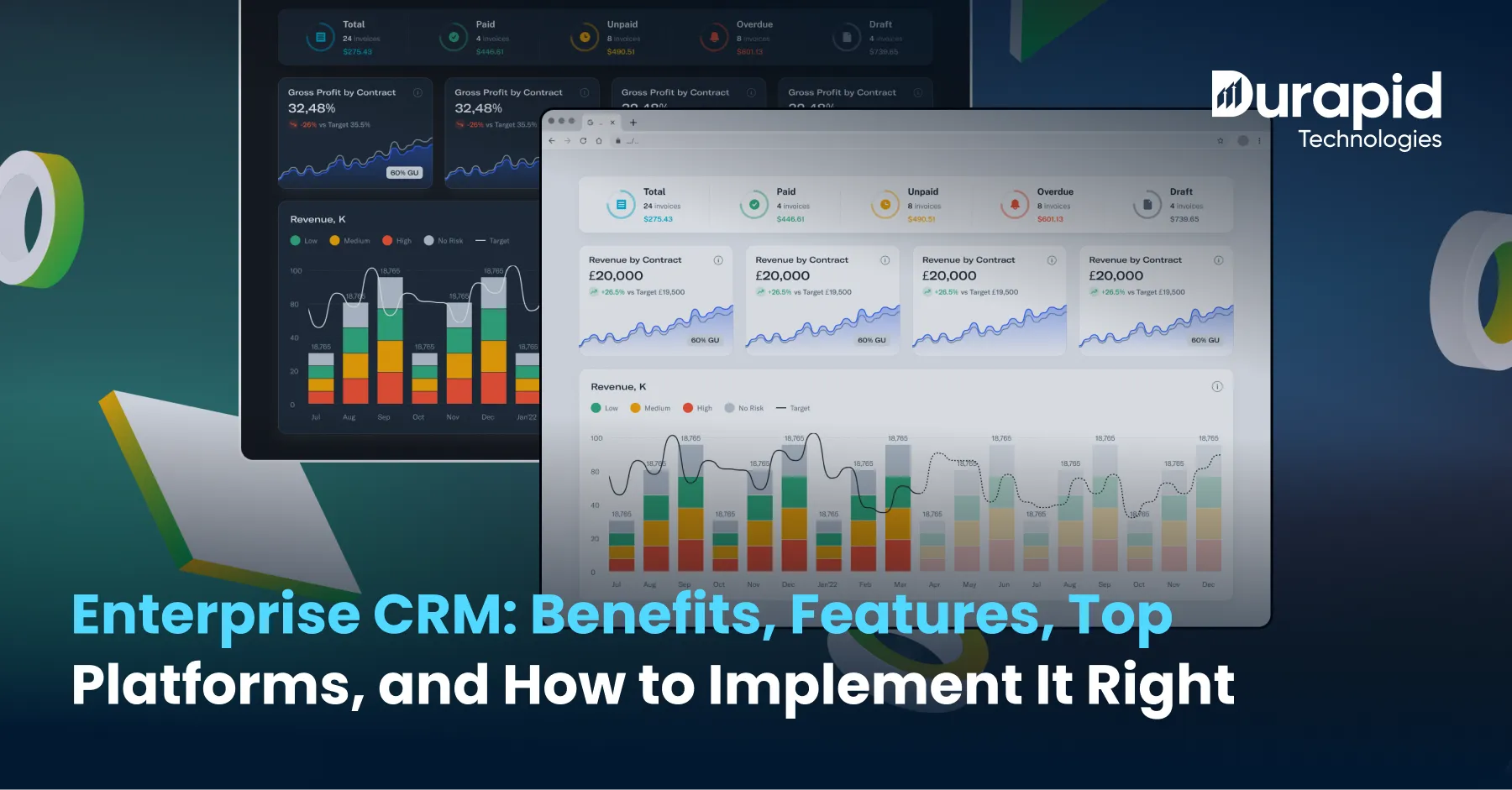
Enterprise CRM: Benefits, Features, Top Platforms, and How to Implement It Right
Your sales team achieved 200 deals during the previous quarter. Your support team handled 5,000 ticket resolutions. Meanwhile, your marketing team executed 40 different campaigns. Still, the three teams operate different systems for data management. Three months later, your company faces an unknown reason for increased customer churn which just hit its highest point. That is the actual cost of running a large organization without enterprise CRM.
Businesses today use enterprise CRM software because they need to bring together their sales, marketing efforts, along with customer interactions into a single system. Advanced enterprise CRM systems enable organizations to link their marketing automation platforms with customer database software, giving teams complete customer information without repeated data exchanges.
Organizations need advanced systems to handle increasing operational demands. Enterprise CRM has become essential for businesses that require organization-wide integration with enterprise resource planning CRM systems, want custom workflows through Software Development, or need advanced functions beyond basic CRM software for small business setups. This blog explains enterprise CRM through its core features and advantages, presents leading platforms, and details the setup process so you can roll it out successfully.
What Is Enterprise CRM and Why Does It Differ from Standard CRM?
Enterprise CRM works as a complete system which brings together your sales pipeline, marketing engine, customer support desk, along with revenue forecasting. According to Grand View Research, the global CRM market will reach $157.6 billion by 2030, growing at a CAGR of 13.9%. That number shows one thing: enterprises which delay CRM adoption fall behind competitors who already use data-based customer strategies.
Enterprise CRM is a full solution that organizations use to manage customer relationships at scale. It supports multiple business units by handling complex workflows, thousands of users, along with millions of customer records. In contrast, standard CRM software for small business setups covers basic lead tracking and email follow-ups, nothing more. Standard CRM tools handle simple pipelines. Enterprise CRM software, however, manages cross-department data flows, runs AI-based predictions, connects with marketing automation platforms, supports ecommerce CRM integrations, along with compliance systems, all at once.
| Feature | Standard CRM | Enterprise CRM Software |
| Users | 1–50 | 500+ |
| Data Volume | Low to medium | Millions of records |
| Integrations | Basic (email, calendar) | ERP, SAP, Databricks, Power BI |
| Automation | Simple workflows | Advanced AI-driven automation |
| Customization | Limited | Fully configurable |
| Compliance | Basic | GDPR, HIPAA, SOC 2 ready |
The difference matters. When businesses buy a standard CRM expecting enterprise results, they run into data silos, poor adoption, along with broken reporting within six months.
Core Benefits of Enterprise CRM for Large Organizations
1. Unified Customer Database Across Every Team
Enterprise CRM solutions bring all customer data into one place. The sales team, marketing team, along with support teams stop using separate spreadsheets. As a result, everyone views the same CRM dashboard with current records throughout the system. This software combines client database software functions along with customer database software functions into one system. So every interaction, purchase, complaint, along with renewal sits in a unified timeline.
2. AI-Powered Sales Forecasting and Pipeline Visibility
Modern enterprise CRM software uses machine learning to score leads, predict deal closure chances, along with flagging at-risk accounts. Salesforce Einstein provides daily updates of win scores. Because of this, teams spend time on the right accounts instead of guessing. According to Salesforce’s State of Sales report, companies using AI-powered CRM achieve 29% sales revenue growth along with a 34% improvement in sales output.
3. Marketing Automation at Scale
Enterprise CRM connects directly with marketing automation platforms. Teams can create multi-channel campaigns which trigger based on customer actions. An ecommerce CRM, for instance, sends abandoned cart emails within minutes, groups customers by lifetime value, along with routing high-value leads directly to the sales team. Manual campaign management simply cannot match this speed at enterprise volume.
4. Better Customer Support and Retention
CRM data allows support teams to access complete customer records before handling calls. Average resolution time drops. Customer satisfaction scores rise. Moreover, companies with mature CRM systems report a 47% improvement in customer retention rates (Nucleus Research, 2023).
5. Compliance and Audit Readiness
Enterprise CRM solutions keep records of user interactions, consent agreements, along with data access activities. This process makes audits far less challenging. As a result, healthcare, finance, along with retail enterprises especially benefit from built-in compliance tooling.
Must-Have Features in Enterprise CRM Software
Every platform provides users with different capabilities. Therefore, your review of enterprise CRM software should focus on these particular features.
Contact and Account Management: The system delivers a full view of customers which includes their purchase records, support ticket details, along with all their past interactions.
Lead and Deal Management: The system keeps full visibility of all sales chances because it uses automated lead scoring, pipeline stage tracking, along with deal rotation rules.
CRM Dashboard and Reporting: Real-time dashboards display KPIs for sales, marketing, along with service teams. Furthermore, Power BI integration extends this into predictive analytics.
Marketing Automation Integration: The system establishes direct connections to marketing automation platforms including HubSpot, Marketo, along with Microsoft Dynamics Marketing.
Ecommerce CRM Capabilities: The system enables B2C and B2B businesses to track orders through cart abandonment alerts, product suggestion tools, along with post-purchase interaction monitoring.
Mobile CRM Access: Field sales staff along with remote workers require full mobile device access. Research from Nucleus Research shows that 65% of sales reps who use mobile CRM hit their targets, compared to 22% who do not.
ERP and Enterprise Resource Planning CRM Integration: Companies managing inventory, finance, along with procurement alongside customer data need enterprise resource planning CRM integration. Dynamics 365 provides native support for this. Salesforce, on the other hand, integrates with SAP through MuleSoft connections.
Workflow Automation: Organizations can reduce manual work through workflow automation which assigns tasks, provides approval routes, along with escalation rules across all departments.
Top Enterprise CRM Platforms to Know in 2026
Salesforce

Salesforce holds its leading position in enterprise CRM according to IDC data, controlling 22.9% of the global CRM market. The platform brings together sales, service, marketing, along with commerce while providing analytics capabilities. Einstein AI provides lead scoring, opportunity insights, along with automated forecasting. Many clients ask “is Salesforce a CRM?” yes, and it is the industry standard.
Best for: Large enterprises needing complete CRM solutions with extensive custom options.
Microsoft Dynamics 365

Dynamics 365 operates inside the Microsoft setup. It integrates natively with Teams, Outlook, Azure, along with Power BI. For enterprises already on Microsoft tools, the enterprise resource planning CRM connection becomes much easier to manage.
Best for: Organizations using Microsoft 365 along with Azure who want ERP and CRM unified.
HubSpot CRM (Enterprise Tier)

HubSpot started as a CRM software for small business teams. Its Enterprise tier now supports complex pipelines, custom objects, along with predictive lead scoring. It connects with most marketing automation platforms along with offering a clean CRM dashboard experience.
Best for: Mid-market businesses scaling up, or marketing-heavy organizations.
Zoho CRM Plus

Zoho provides an affordable enterprise CRM solution with the Zia AI assistant, omnichannel support, along with strong analytics. It suits enterprises that want custom workflows without expensive licensing fees.
When NOT to Use Enterprise CRM Software?
Enterprise CRM is not the right choice in every situation. Here is when to hold back:
- Your team has fewer than 50 users along with simple lead management needs. In that case, CRM software for small business setups will be faster to set up along with cheaper to maintain.
- You do not have a dedicated CRM admin or IT support. Enterprise platforms require ongoing configuration.
- Your data is not clean. Migrating messy legacy data into an enterprise system will increase quality issues rather than fixing them.
- You need a quick rollout. Custom enterprise CRM solutions require between 3 to 9 months for full setup.
How to Implement Enterprise CRM in 6 Steps
Good enterprise CRM software fails without a structured rollout. So follow this process carefully.
Step 1: Define Business Objectives. Map what you want the enterprise CRM to achieve. Faster pipeline? Better retention? Compliance? Vague goals lead to poor configuration.
Step 2: Choose the Right Platform. Assess Salesforce, Dynamics 365, along with Zoho based on your tech stack, budget, along with team size. Also involve IT staff along with end users in the decision.
Step 3: Clean and Migrate Data. Use ETL pipelines like Azure Data Factory along with Talend to pull, clean, along with load data from legacy systems. Poor data migration remains the top cause of failed CRM rollouts.
Step 4: Configure Integrations. Connect your ERP, marketing automation platforms, ecommerce CRM tools, along with support desk systems. Additionally, map data flows between systems before go-live.
Step 5: Train Users. Build role-specific training programs. Salespeople need pipeline training. Marketing teams need guidance on campaign automation. Support teams, in turn, need ticketing workflow guidance.
Step 6: Monitor, Optimize, and Iterate. Track adoption rates weekly for the first 90 days. Use the CRM dashboard to spot unused features. Then collect user feedback and refine configuration based on what you find.
Finally, Durapid’s Software Development teams have helped organizations in financial services, retail, along with healthcare design and deploy CRM systems that users actually adopt. Durapid’s experts help you design, migrate, along with optimizing enterprise CRM software across platforms like Salesforce and Dynamics 365 without turning it into another complicated mess. Also, if you are figuring out the right tech partner, exploring Top 10 Software Development Companies might save you from a very expensive wrong decision.
Frequently Asked Questions
Q: What is enterprise CRM?
It is a CRM built for companies where things are not simple anymore, multiple teams, massive data, along with too many moving parts. Basically, one system that keeps everything in sync without the chaos.
Q: Is Salesforce a CRM?
Yes, and not just any CRM, it is the one most enterprises default to when things get serious. If you have heard of CRM, you have probably heard of Salesforce for a reason.
Q: How is enterprise CRM different from CRM software for small business?
CRM software for small businesses helps you manage contacts and pipelines. Enterprise CRM, however, handles scale, complexity, along with automation. Think basic tracking versus a system that actually runs a big part of your business.
Q: What is enterprise resource planning CRM integration?
It is when your CRM along with your ERP stop acting like strangers and start sharing data. As a result, sales, finance, along with inventory all work from the same source of truth without manual effort.
Q: How long does enterprise CRM implementation take?
Usually between 3 to 9 months, depending on how complex your setup is. More data, more integrations, along with more customization means more time, no shortcuts here.

Recent Blog

How Voice AI Connects Calls With Sales Operations
October 15, 2026-
How GCCs Can Scale Engineering Teams with Staff Augmentation?
October 10, 2026 -
Asset Management Software for CFOs: From Depreciation to Capital Planning
September 29, 2026 -
Why Voice AI Is Different From Chatbots in Recruitment?
September 17, 2026